Essential Gear to Elevate Your Smartphone Video Content
Creating high-quality video content for social media doesn’t require a professional camera setup. When paired with a few key accessories, your smartphone can capture stunning footage and audio to engage your audience effectively. Whether you're just starting or looking to upgrade your setup, this guide breaks down the essential gear you need to take your smartphone videos to the next level. All the tools below are highly rated and available on Amazon, making it easy to elevate your content with just a few clicks.
1. External Microphone: Hollyland Lark C1 Wireless Lavalier Microphone
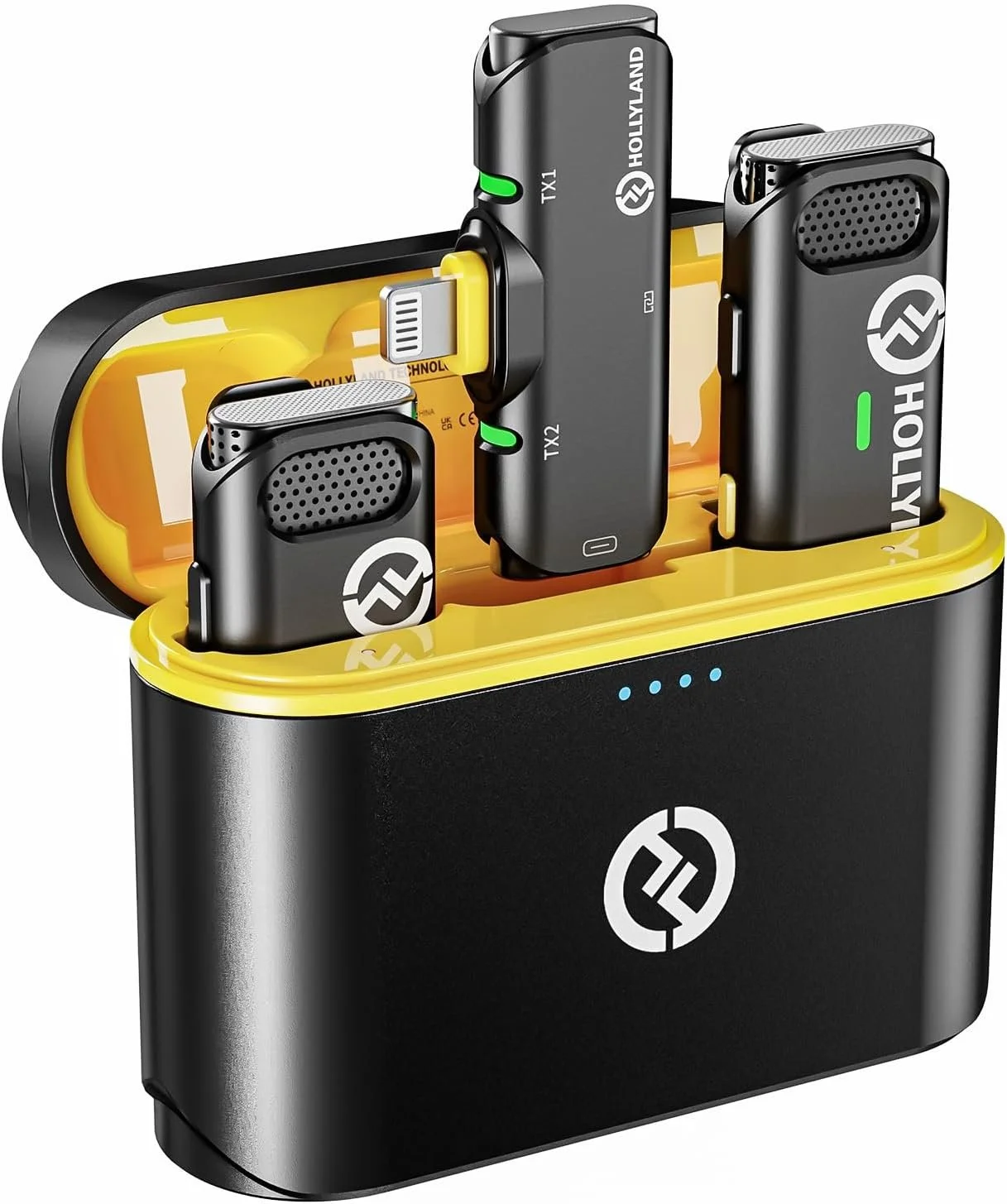
Hollyland Lark C1
Why It’s Essential: Clear, professional audio can make a world of difference in content quality. With 85% of viewers stating that audio clarity matters more than visuals, the Hollyland Lark C1 wireless microphone offers a compact, easy-to-use solution. Designed for iPhones, it eliminates background noise and ensures your voice is heard clearly.
Amazon Link: Hollyland Lark C1 Wireless Lavalier Microphone
Action Steps:
Attach the microphone to your phone to enhance audio quality.
Adjust mic placement for optimal voice clarity.
Record in quieter environments to avoid background noise interference.
2. Gimbal Stabilizer: DJI Osmo Mobile 6
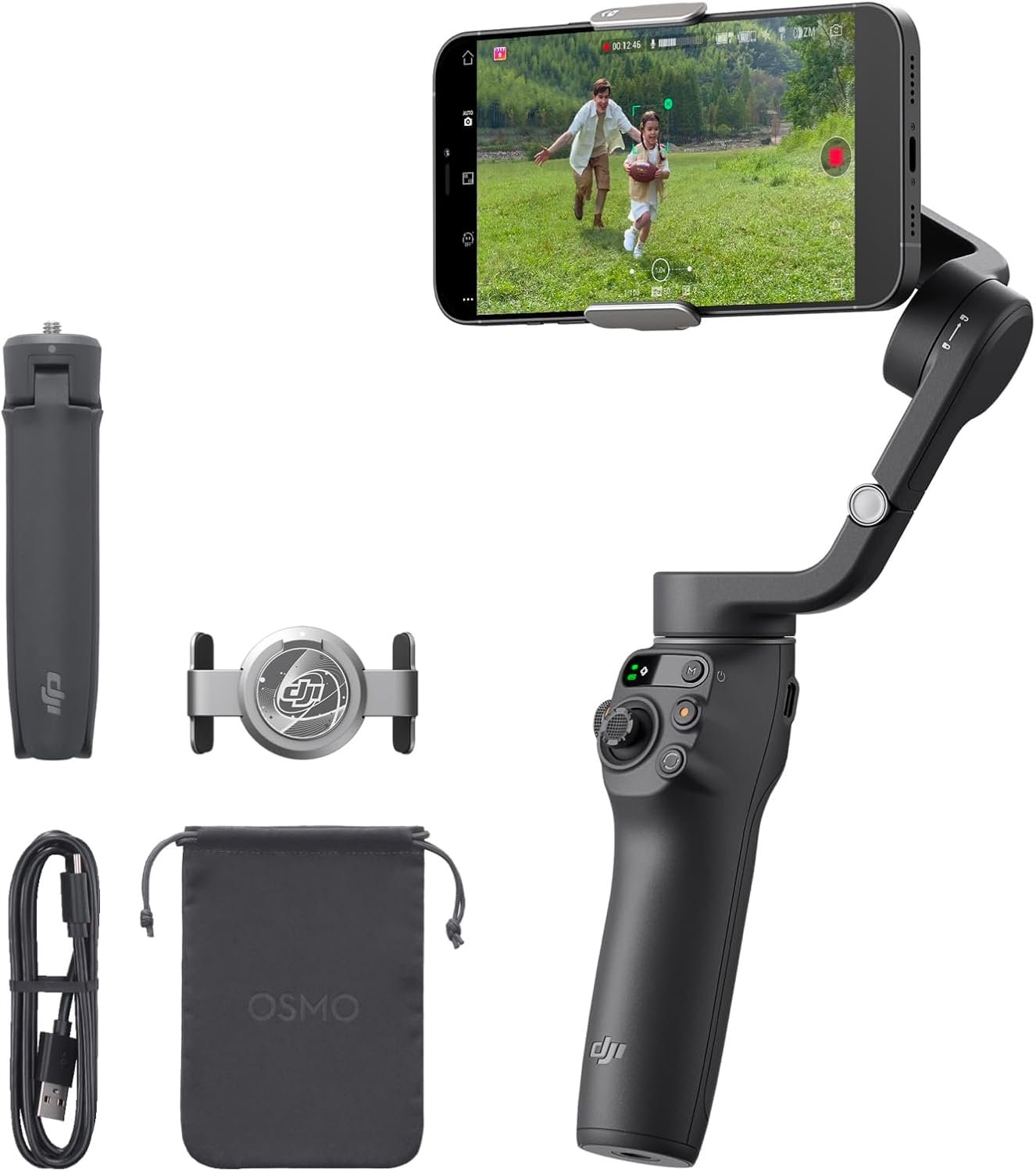
DJI Osmo Mobile 6
Why It’s Essential: Shaky footage can make even the most exciting content challenging to watch. The DJI Osmo Mobile 6 stabilizer effortlessly captures smooth, cinematic shots, adding a professional feel to your content. It’s perfect for action shots, vlogs, or moving with the camera.
Amazon Link: DJI Osmo Mobile 6
Action Steps:
Practice using the gimbal to capture smooth footage.
Experiment with different movements like panning and tilting.
Try following shots or dynamic scenes to add excitement to your content.
3. Portable LED Light: UBeesize Portable LED Light for Phone
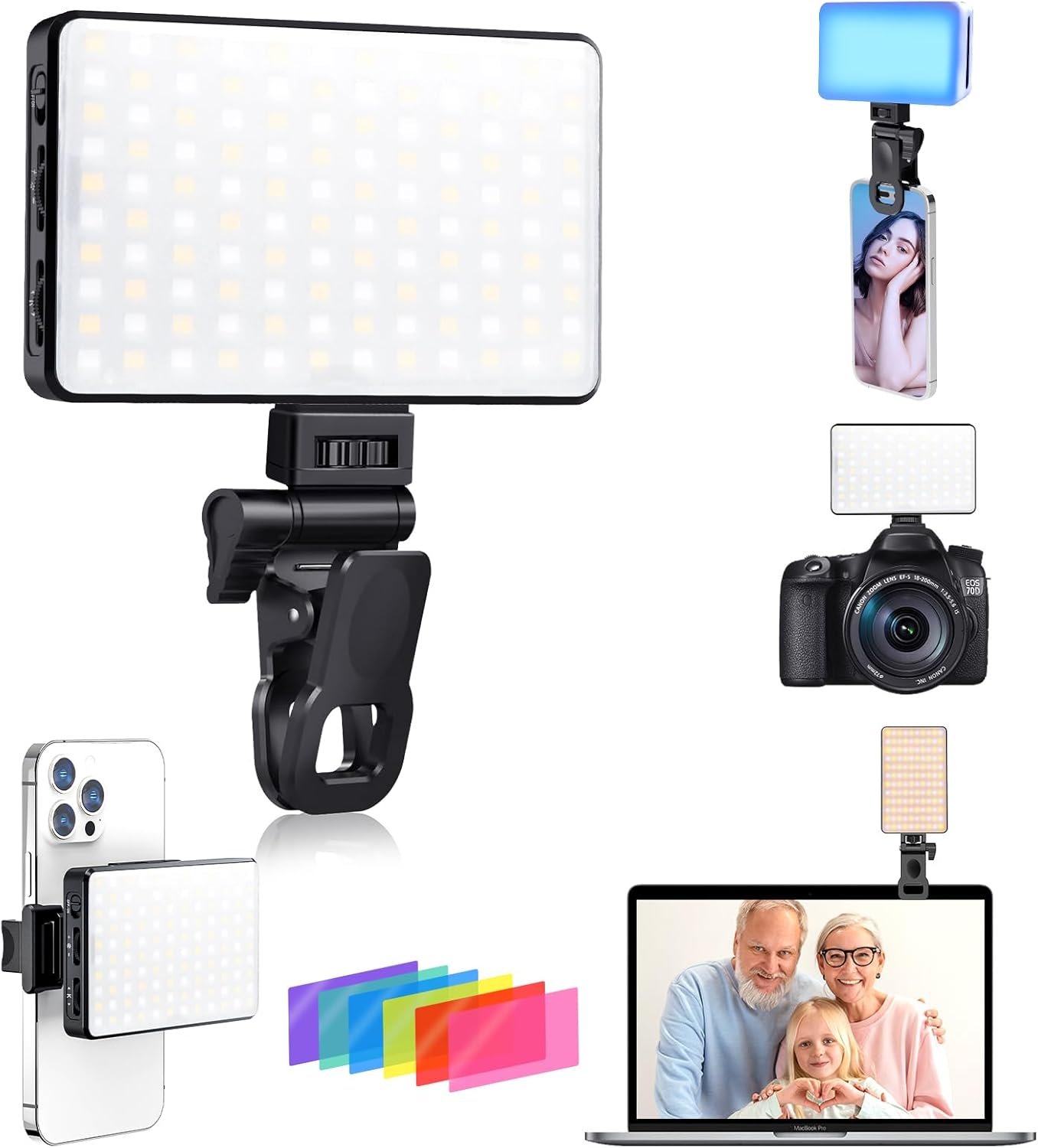
UBeesize Portable LED Light
Why It’s Essential: Lighting can make or break the quality of a video. The UBeesize Portable LED Light offers adjustable brightness and can attach directly to your smartphone, providing consistent lighting even in low-light situations.
Amazon Link: UBeesize Portable LED Light
Action Steps:
Use this light to illuminate your subject and improve video clarity.
Experiment with lighting angles to reduce shadows and achieve the best look.
Adjust brightness to match the ambient light and maintain consistency.
4. Editing App: CapCut
Why It’s Essential: Even the best raw footage needs polishing, and CapCut provides an intuitive, feature-packed editing experience right on your phone. CapCut lets you trim, color correct, and add effects, all of which are essential to engaging video content.
Download Link: CapCut - Free 7-Day Trial
Action Steps:
Download CapCut and explore its editing features, such as color grading and text overlays.
Use fast cuts and transitions to align with social media trends.
Add captions and music to increase accessibility and engagement.
5. Tripod: UBeesize 67" Extendable Tripod Stand with Phone Holder
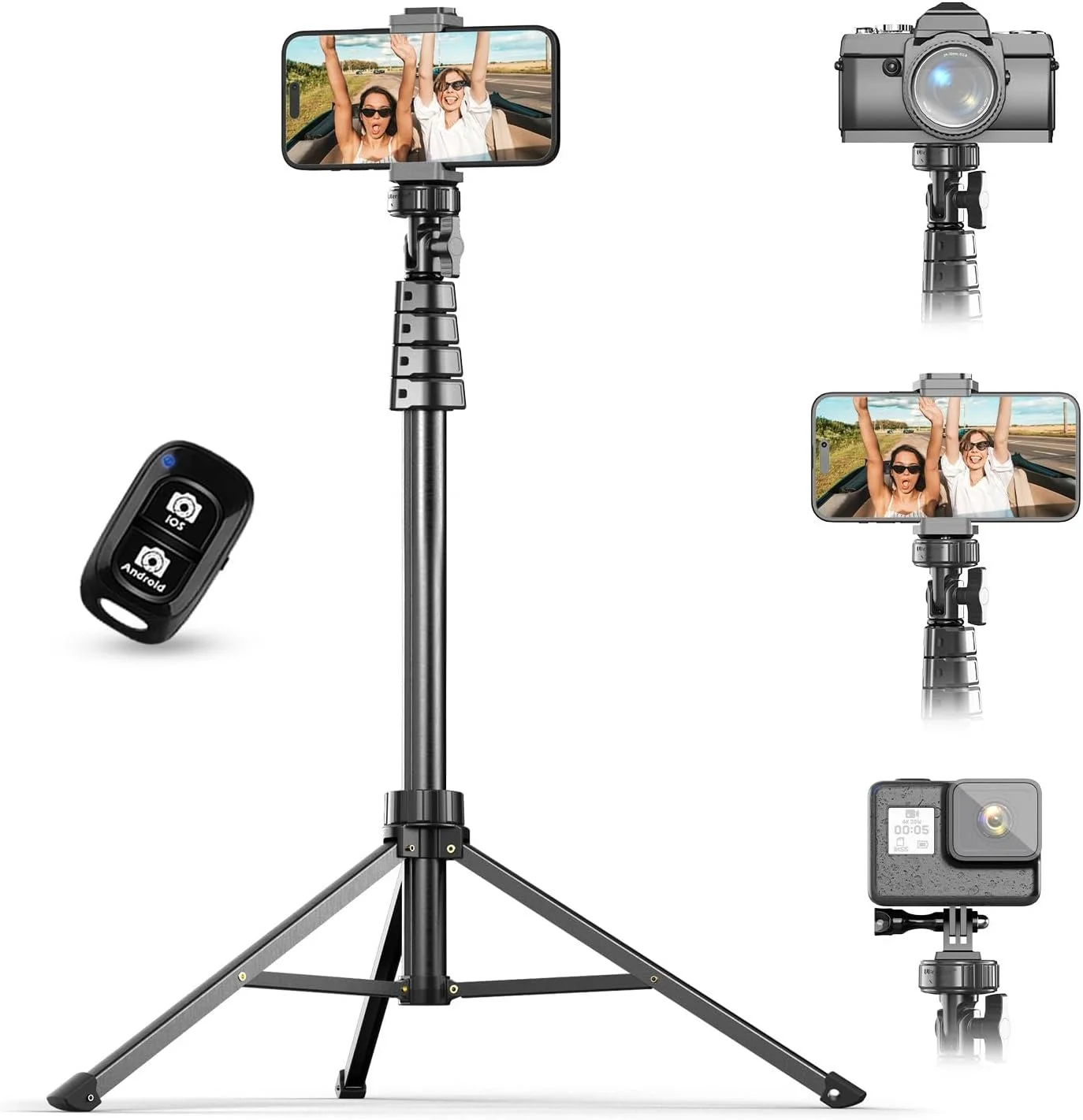
UBeesize 67" Extendable Tripod Stand with Phone Holder
Why It’s Essential: A stable, hands-free setup is ideal for sit-down videos, tutorials, and time-lapse content. The UBeesize Extendable Tripod provides flexibility with its adjustable height and phone holder, ensuring a steady shot in any filming situation.
Amazon Link: UBeesize Extendable Tripod
Action Steps:
Set up the tripod for stable, hands-free shots.
Adjust the height and angles to capture a variety of perspectives.
Use it for longer videos or time-lapses for seamless content.
6. Ring Light with Phone Holder: Neewer 18-Inch Ring Light Kit
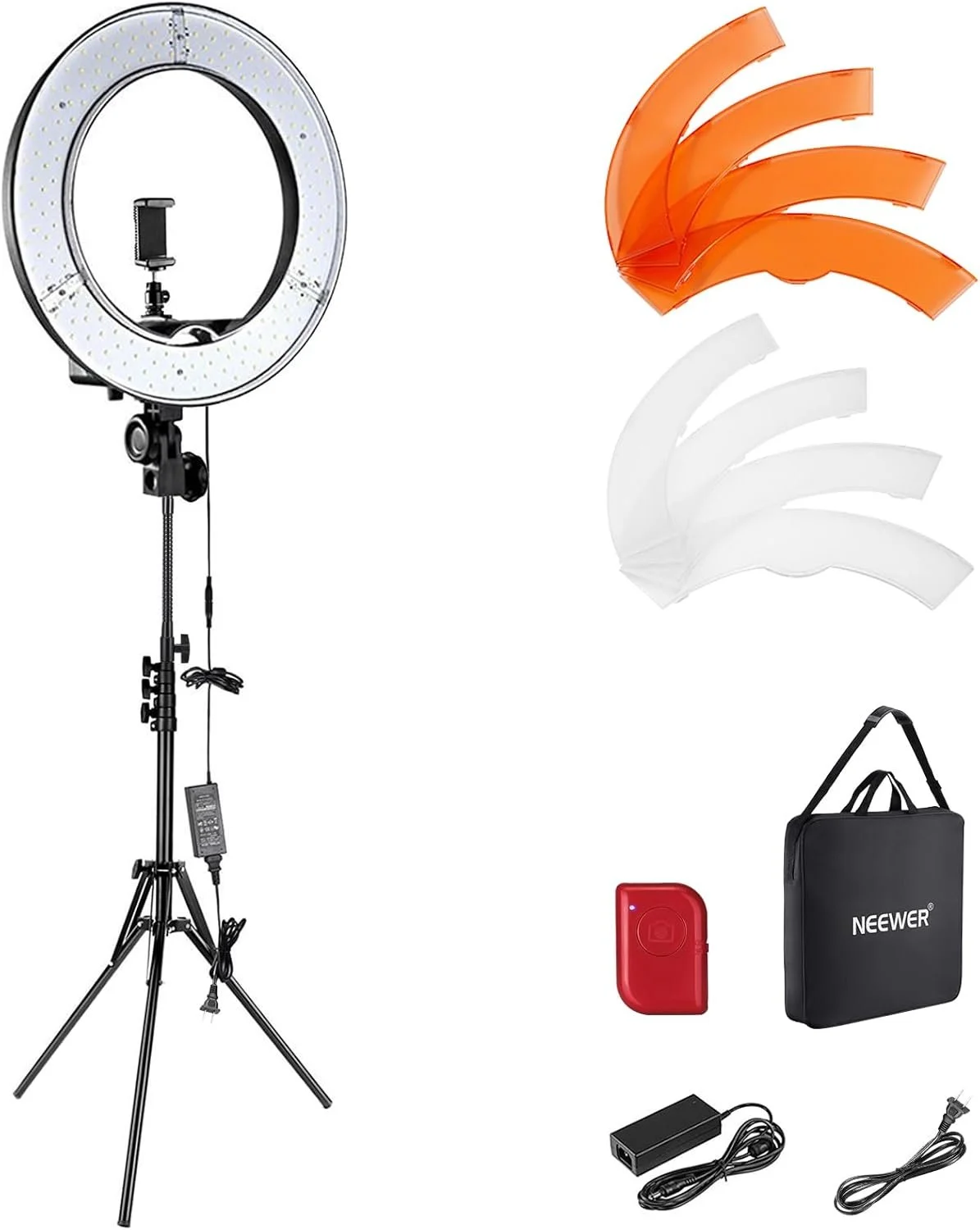
Neewer 18-Inch Ring Light Kit
Why It’s Essential: A ring light provides even, soft lighting that minimizes shadows, making it ideal for beauty tutorials, sit-down videos, and close-ups. The Neewer 18-Inch Ring Light includes adjustable brightness settings and a phone holder, so your setup is organized and well-lit.
Amazon Link: Neewer 18-Inch Ring Light Kit
Action Steps:
Set up the ring light at eye level for an even, flattering effect.
Adjust brightness levels based on the ambient lighting to avoid overexposure.
Use this light for close-ups or beauty content to create a soft, polished look.
Tips for Shooting High-Quality Video with Your Phone
Use Cinematic Mode (if available): Certain smartphones have a “cinematic mode” that adds depth-of-field effects, which keeps your subject in sharp focus while blurring the background. This creates a more professional, polished look.
Optimize Your Lighting: Whenever possible, use natural light to enhance clarity. Golden hour—just after sunrise or before sunset—offers beautifully soft lighting that works well for many types of content.
Experiment with Angles and Perspectives: Changing angles can make your shots more dynamic and visually interesting. Use a gimbal or tripod for controlled, smooth movements that add a cinematic touch.
Hold Your Phone Horizontally for YouTube or IGTV: For YouTube or IGTV, horizontal video offers a more professional look. On Instagram Stories or Reels, however, stick to vertical shots to make the most of the platform’s native format.
Wrapping Up
With these essential tools, you can produce professional-quality videos right from your smartphone. Start with a few key items, like an external microphone and LED light, and experiment with each tool to see how it enhances your content. As you gain experience, you’ll develop a unique style that reflects your brand and keeps your audience engaged. Happy filming!